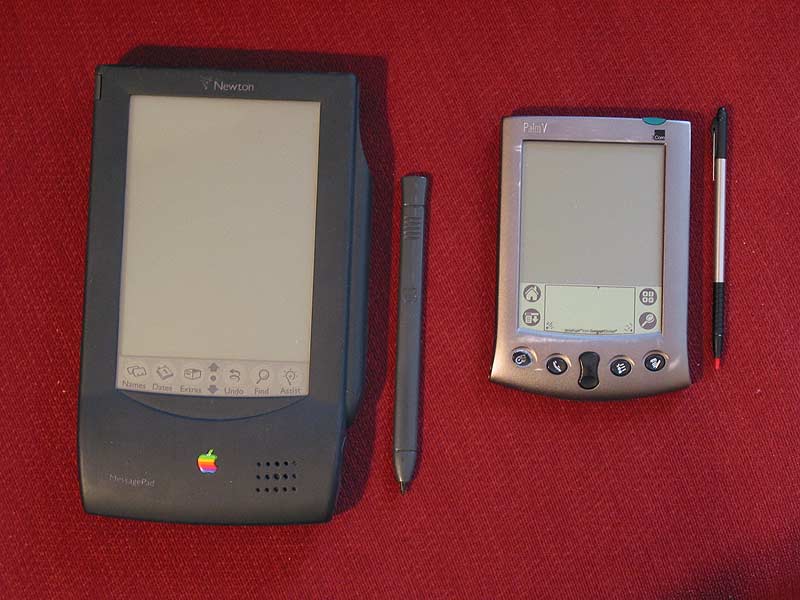
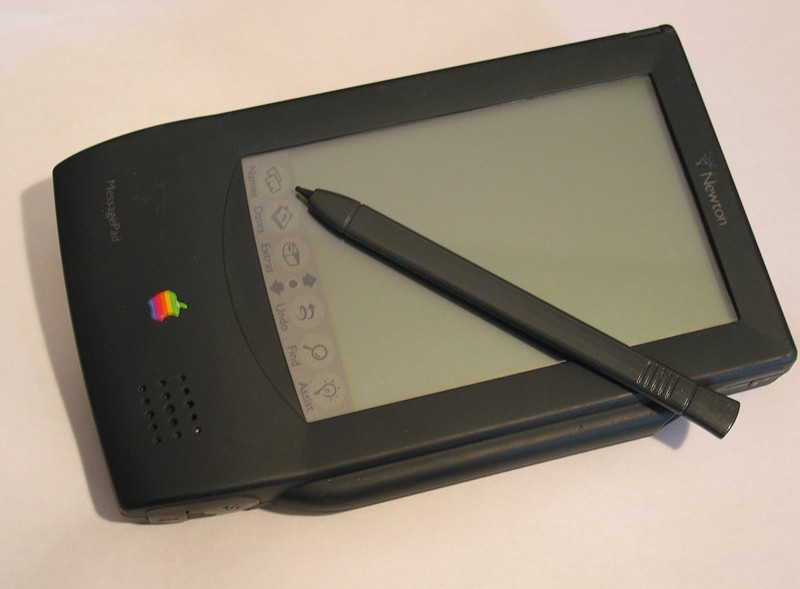
Ten Uses For Your Old PDA
If you have an old PDA laying around at home, this post is just for you. I’ve found myself trying to come up with some creative idea’s over the past couple of weeks as to what to use my old Audiovox Maestro PocketPC for. In the process, here are the top 10 idea’s that I’ve found either the most entertaining or the most productive.
10. GPS Navigation:
This one is great for anyone out there like me who always gets jealous when they see someone driving around with one of those fancy GPS units in their vehicle. You know you can’t afford one because you’re living on a college students budget (even though you’re long out of college), but you realize that if you don’t do something soon, the next time that it gets dark, you’re going to end up driving around in the ocean. The solution to this is to turn your old PDA into a car based GPS nav system. This is actually fairly simple to do, all it requires is a PDA with either a Compact Flash card slot, or a proper port for a “serial” connection to a GPS receiver, a receiver, some navigation software, and a place to put a bunch of digital maps (an SD card is preferred). While these setups wont always be as fast or efficient as an actual GPS system, they do work pretty well, especially for the price.
9. MP3 Player
Don’t feel like spending two or three hundred dollars on one of those fancy Ipods? Turn your old PDA into an MP3 player, one that will actually use software you’ve heard of, such as Windows Media Player. Pocket PC’s are great for this. Toss a 2 or 4 Gigabyte card in, and you’re all set. Thinks of how jealous your Apple loving friends will be as they walk around showing off how they can play Tetris on their Ipods, when out of no where, you walk up and start playing SimCity 2000, while listening to your favorite tunes on your old PDA! Even better yet, when your battery dies, it doesn’t display a fun sad face on the screen, it just goes out like a champ and erases all your data! Who wouldn’t want a PDA MP3 Player!
8. All inclusive, touch screen automotive entertainment center
Basically, this incorporates all of the items above, with the addition of one more. Video! With the proper tools and accessories you can easily mount your old PDA in your car to allow for maximum entertainment efficiency. Navigate when the roads get rough, use it as a touch screen “head unit” when you just want to relax with your tunes, or let the kids watch a movie from the backseat. If you use your creative side, you can come up with all sorts of ways to incorporate your device into your vehicle. Just remember, you’ll probably need a way to power it and a way to hear it (both, very easy to accomplish).
7. Roadside flashlight
That’s right, get yourself a car adapter, hook it up, crank up the brightness and go!. Don’t get stuck in the cold with Ralphie holding your lug-nuts…give him your PDA to hold instead, then you’ll be able to find them when they fall to the ground and scatter all over the icey road surface.
6. College budget laptop
Sometimes I think the PDA is overlooked as a replacement or at least supplement to a laptop. You can buy some pretty nice foldup keyboards for PDA’s that will allow you to do all the typing you want in Pocket Word. If you’re looking for a cheap, lightweight way to take notes in class, theres nothing better than the PDA/Keyboard combination! Personally, I would have to recommend the Targus Universal Wireless Keyboard. A review for this can be found at http://www.pocketmatrix.com/reviews/targus_wireless/
5. Universal Remote
You’ve probably seen those fancy universal remote controls before that can basically control any IR based device in your house. Well, your PDA is somewhat capable of doing this as well…maybe. Depending on what kind of PDA you have, you may be able to download certain software, such as TV Remote Controller by PDAWin that will allow you to sit back and control all of your devices from one convenient location, your couch.
4. Wireless Skype Phone
If you have a wireless network setup in your house, and you have a Skype account, that this could very well work out for you. Using the Pocket PC version of Skype, you can log in, connect via your wireless network and talk all you want using the mic and speaker on your Pocket PC.
3. Remote Desktop Spy Device
What better way to pass the time than sitting in your room with your PDA using VNC to connect wireless to the other computers in your house to mess with whomever may be using them at any given time. Think of how much fun you could have randomly moving the mouse all over the screen, and listening from the other room as your computer illiterate family members try and determine why it’s happening. The best part is, they’ll never suspect you because as far as they can tell, you’re no where near a computer, at least not one capable of making their mouse move or drawing strange designs in paint while they’re not looking.
2. NES in your pocket anyone?
If carrying around your old Nintendo in your cargo pants pockets just isn’t working out for you anymore, than this maybe a solution for you. There are at least two good NES emulators available for the Pocket PC, and a couple more for Palm, so if you’re lucky enough to have a device with an easy to use button configuration, than give this a try. This can be a really great waste of time, however I must add that it is unlawful to download ROMs that are still protected under copyright laws.
1. Digital Picture Frame/Paperweight
If all else has failed you than this is probably the best bet for your old PDA. While you could attempt to sell it on Ebay or at a garage sale, why not atleast keep it around to look pretty?